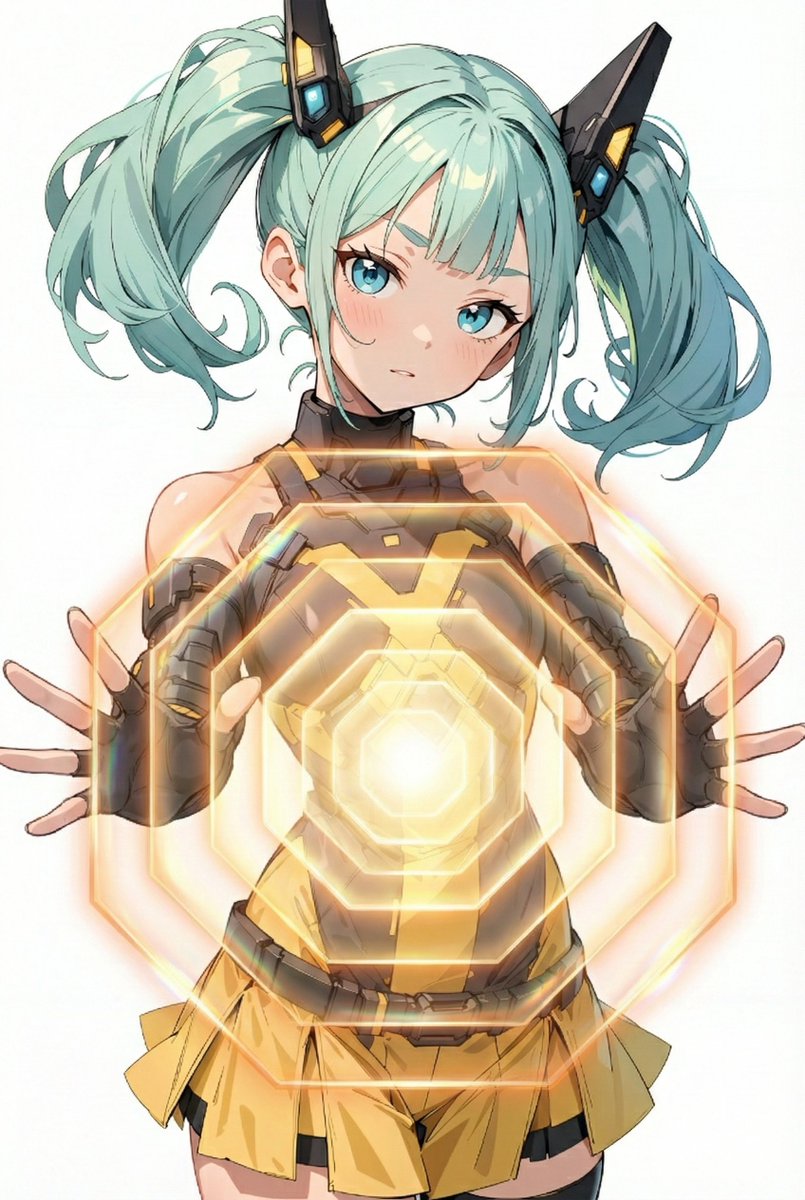
Energy field barrier VFX and pose adjustment YAML prompt
task: "pose-and-barrier-vfx"

reference_image:
  keep_original: true

subject:
  keep_character_design: true

rules:
  - do not change the character’s face, expression, hairstyle, anatomy, or proportions
  - do not change outfit, colors, lineart, or art style
  - do not change background, composition, shading, or lighting
  - all modifications occur only through the defined steps

steps:

  - step: "pose-adjustment"
    action:
      - extend both arms forward toward the viewer
      - rotate both palms to face directly toward the camera
      - fingers naturally spread
    constraints:
      forbidden:
        - altering facial expression
        - modifying outfit
        - adding props or new items
        - introducing glow or VFX

  - step: "energy-barrier-vfx"
    vfx:
      type: "concentric-octagonal-barrier"
      placement: "in front of both palms"

      geometry:
        shape: "regular octagon"
        structure: "multiple concentric octagonal surfaces"
        alignment:
          - all surfaces share the same center
          - all surfaces are parallel to the camera plane
          - no curvature or spherical distortion
        forbidden:
          - outline-only shapes
          - hollow frames
          - hexagonal shapes
          - domed or warped surfaces

      surface:
        fill: "center-to-edge radial gradient"
        colors:
          center: "white-yellow"
          mid: "orange-gold"
          edge: "transparent orange"
        glow:
          - strong center luminosity
          - soft bloom
          - refractive shimmer
        opacity: "semi-transparent"

      layering:
        count: {argument name="number of barrier layers" default="8"}
        direction: "stacked forward"

  - step: "text-overlay"
    text:
      content: "Prompt by てんねん@ munou_ac"
      position: "bottom-left"
      font_color: "white"
      font_size: "small"
      opacity: "0.9"

composition:
  camera:
    angle: "frontal"
    distance: "medium shot"
    focus: "hands and barrier surface"
  lighting:
    keep_original: true
  placement:
    barrier_position: "centered between both palms"
    size: "large frontal barrier"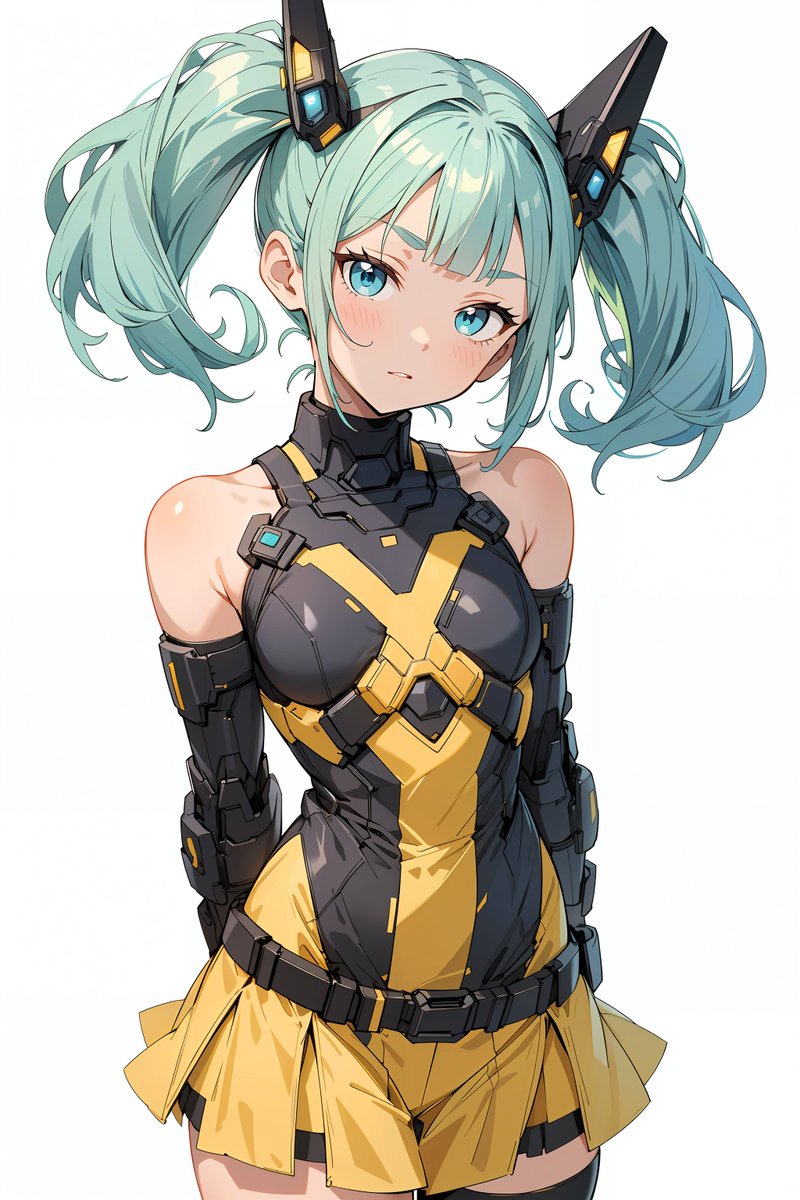
Related Prompts
More Image prompts
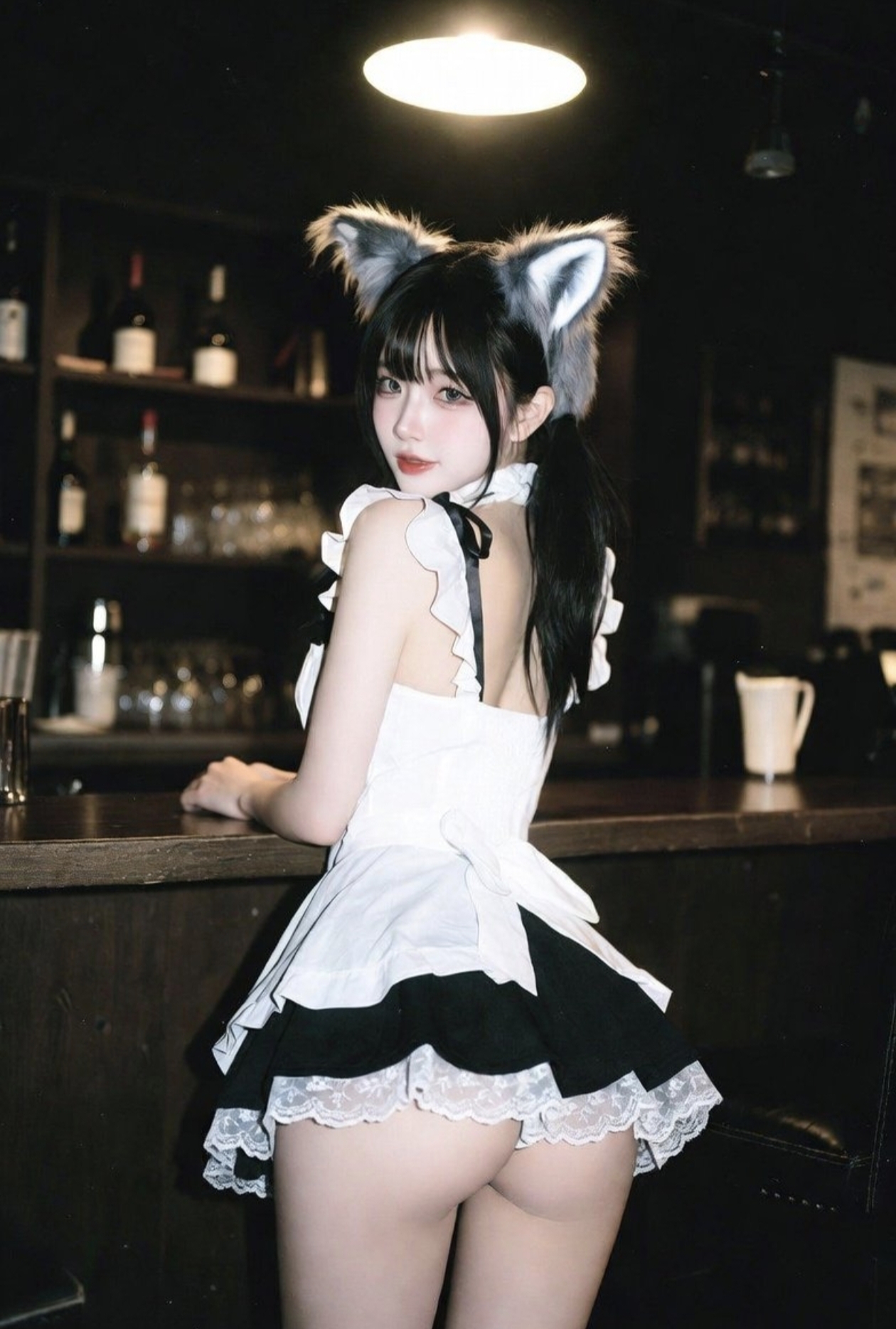
Attractive maid
Warm maid cafe or private bar at night. A young East Asian woman with long black hair, low ponytail, fluffy grey wolf-ear headdress, white lace maid top with black ribbon details and ultra-short black maid skirt with white lace edges, put her hands on the wooden bar, and looked back at the camera with a playful expression. In the background, there are bottles and glasses on dim shelves, and warm chandeliers create halo effect, real degradation effect of cheap closed-circuit television, and photo-realistic quality.
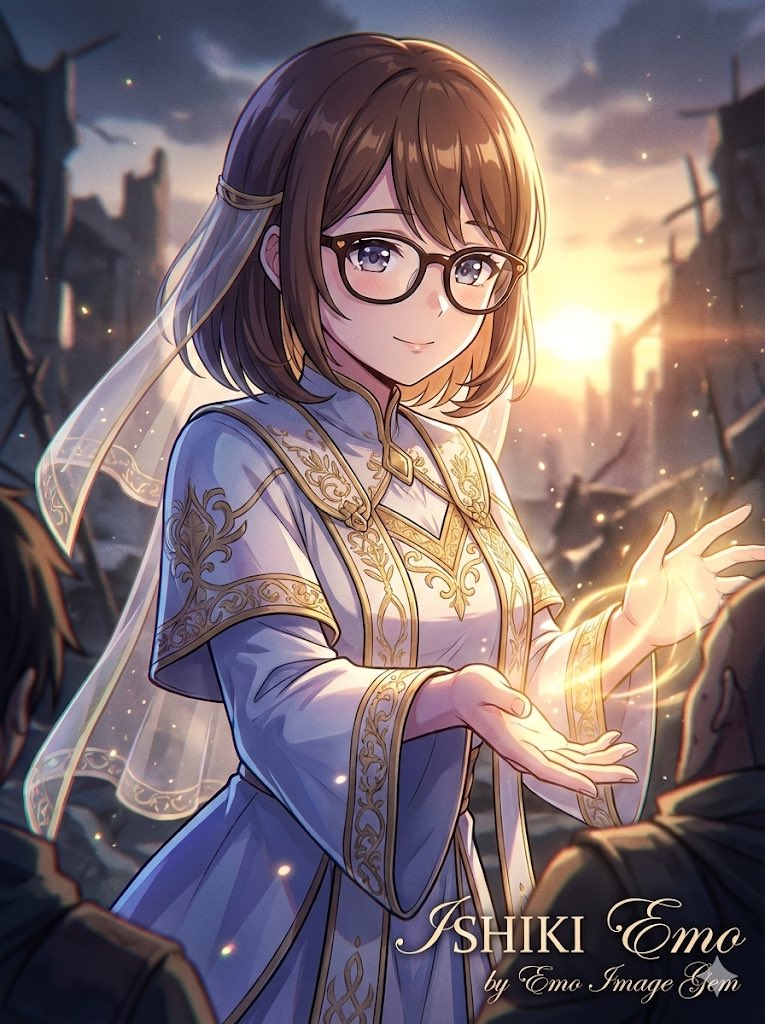
Saint and demon dual-character prompt for Nano Banana Pro
"{argument name="situation title" default="The Saint and the Demon"}" Saint: {argument name="saint style" default="fantasy saint, cel-shaded yet cinematic, salvation, bust-up framing, loving kindness"} Demon: {argument name="demon style" default="social game-style rendering, cinematic, demonic transformation, temptation, bust-up framing, red light"}
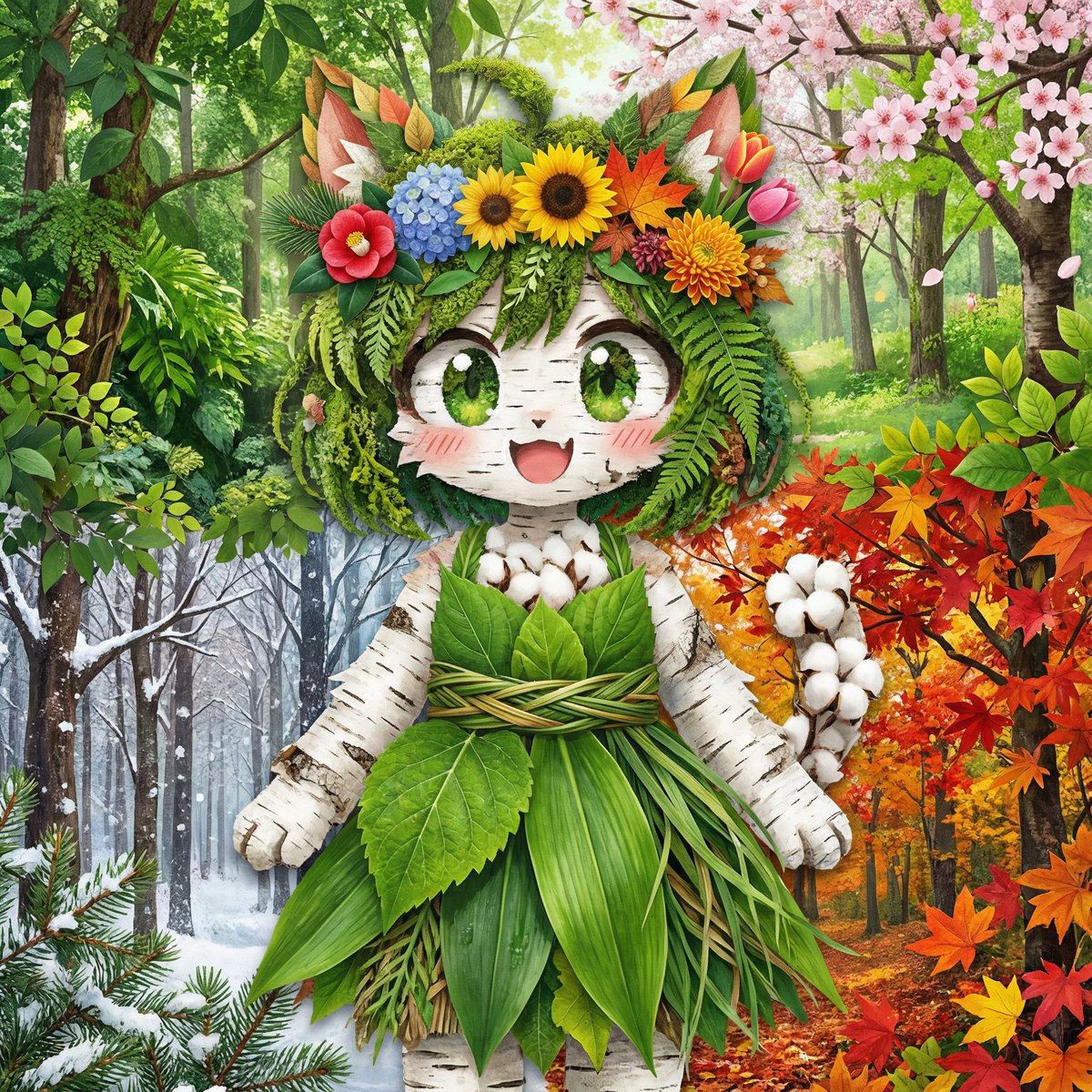
Seasonal forest collage character prompt for Nano Banana Pro
Recreate a character as a collage using photos of {argument name="types of plants" default="plants and foliage"}. The background should be forest photos for each season, arranged from the top right to the bottom left as spring, summer, autumn, and winter. The flower crown should be reinterpreted and replaced using flowers from all four seasons. Do not keep any outline of the character; every part of the character must be expressed entirely using plants and foliage.
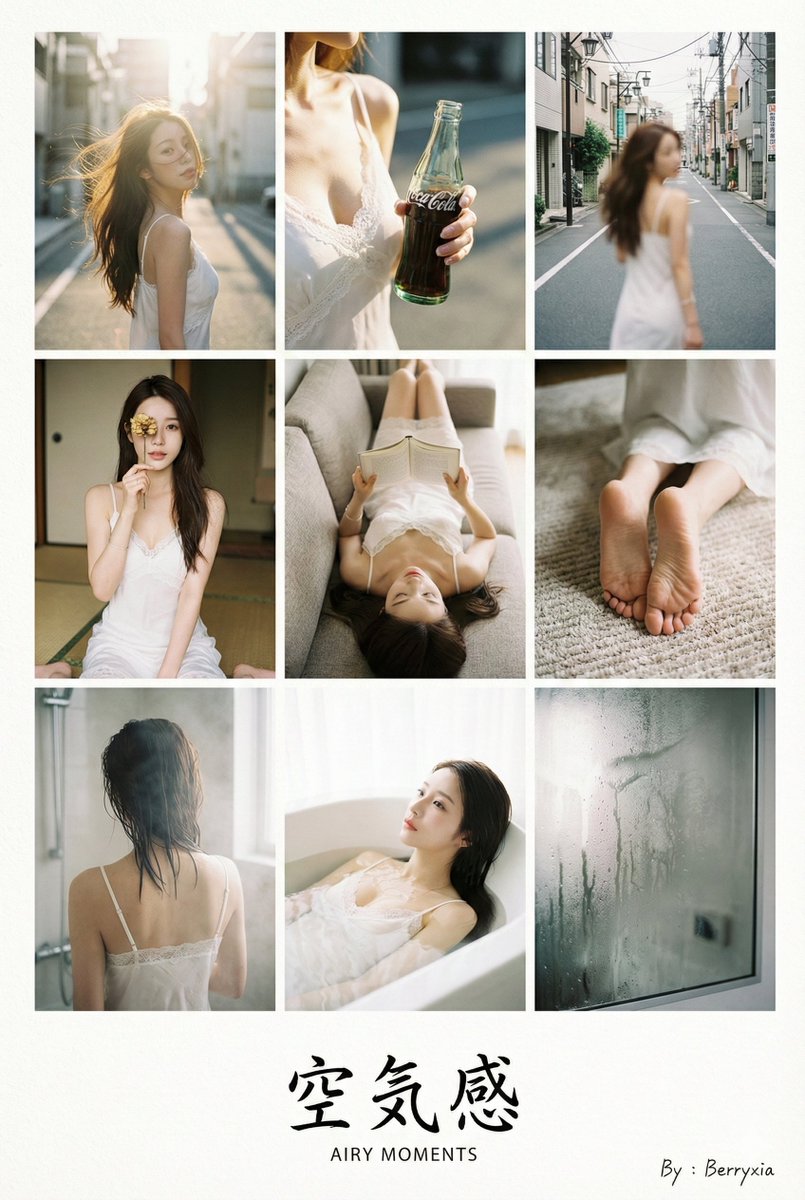
9-grid Japanese photobook layout prompt for Nano Banana Pro
**[Type]:** A scanned page from a high-end Japanese photobook (shashin-shu). **A 9-grid photo layout printed on textured matte art paper.** **[Layout design]:** The 9 photos are arranged in a clean grid with **wide white margins** at the bottom to accommodate typography. **[Subject consistency - STRICT]:** * **Source:** Based strictly on the uploaded reference image. **[SAME CHARACTER IN ALL PANELS].** * **Styling strategy:** **[RANDOMLY SELECT ONE]:** 1. **{Classic}:** {argument name="classic outfit" default="Loose white shirt + shorts"}. 2. **{Soft}:** {argument name="soft outfit" default="Beige knit cardigan + camisole"}. 3. **{Pure}:** {argument name="pure outfit" default="White lace-trimmed slip dress"} (best for bath transitions). * **Note:** In Row 3 (Bath), the outfit should create a "wet look" or reveal some skin. **[Typography & Japanese elements - the artistic touch]:** *(The AI must render a title text in the bottom white margin.)* **[RANDOMLY SELECT ONE title theme]:** 1. **{Theme: Summer}:** Large Japanese text **"{argument name="summer title Japanese" default="青い夏"}"** with small English text **"{argument name="summer title English" default="BLUE SUMMER"}"** below it. 2. **{Theme: Private}:** Large Japanese text **"{argument name="private title Japanese" default="私小説"}"** with small English text **"{argument name="private title English" default="PRIVATE NOVEL"}"** below it. 3. **{Theme: Air}:** Large Japanese text **"{argument name="air title Japanese" default="空気感"}"** with small English text **"{argument name="air title English" default="AIRY MOMENTS"}"** below it. * **Signature:** The handwritten text **"{argument name="signature text" default="By : Berryxia"}"** is placed artistically next to the title or in a corner like a watermark. **[Grid narrative - the "day to night" journey]:** **Row 1: Outdoor breath (wind & light)** 1. **Top-left (wide):** Subject standing in the wind, hair blowing, **backlit by the sun**. 2. **Top-middle (detail):** Close-up of a **hand holding a glass bottle of soda** or blocking the sun. 3. **Top-right (motion):** Blurry candid shot of the subject **walking away on a street**. **Row 2: Indoor play (props & "hiding")** 4. **Center-left (hiding):** Subject sitting on tatami, **using a dried flower to cover one eye**. 5. **Center (candid):** Subject **lying upside down on a sofa**, reading a book, face partially hidden. 6. **Center-right (fetish focus):** Focus on **bare feet curled on the rug** or fingers touching hair. **Row 3: Private/wet (steam & skin)** 7. **Bottom-left (steamy back):** **Back view in a steamy bathroom**. Wet hair sticking to the nape of the neck. Soft focus. 8. **Bottom-middle (immersion):** Subject **submerged in a bathtub**, water up to the chin, dreamy high-key lighting. 9. **Bottom-right (end):** Detail of **steam on a mirror**. **[Aesthetic style]:** * **Film stock:** Fujifilm Pro 400H (cyan shadows, airy highlights). * **Texture:** **Visible paper texture**, slight vignetting, layout design feel. **[Parameters]:** --ar 2:3 --style raw --v 6.0 --stylize 200 --cref [URL] --cw 80 --no commercial smile, stiff posing, studio lighting. Use indoor hotel style B for output.
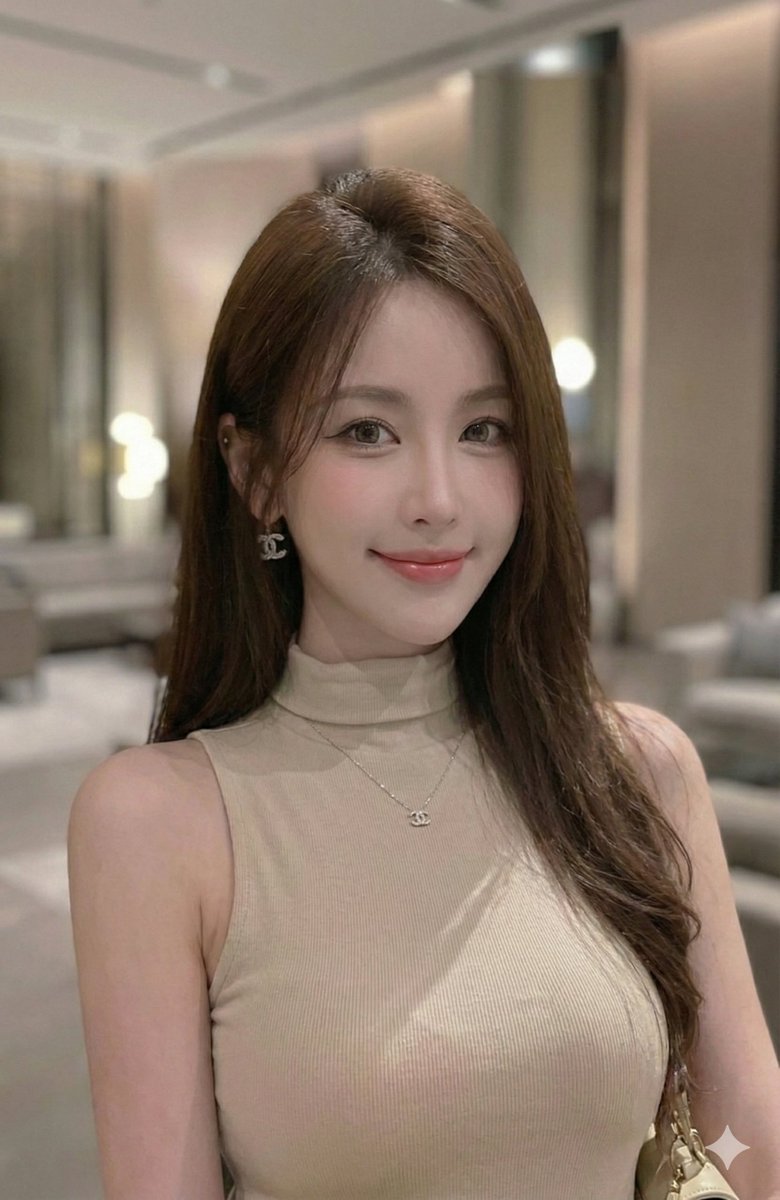
Extract a single panel from a 3x3 image grid with Nano Banana Pro
Please extract the image in row {argument name="target row" default="2"}, column {argument name="target column" default="2"}.
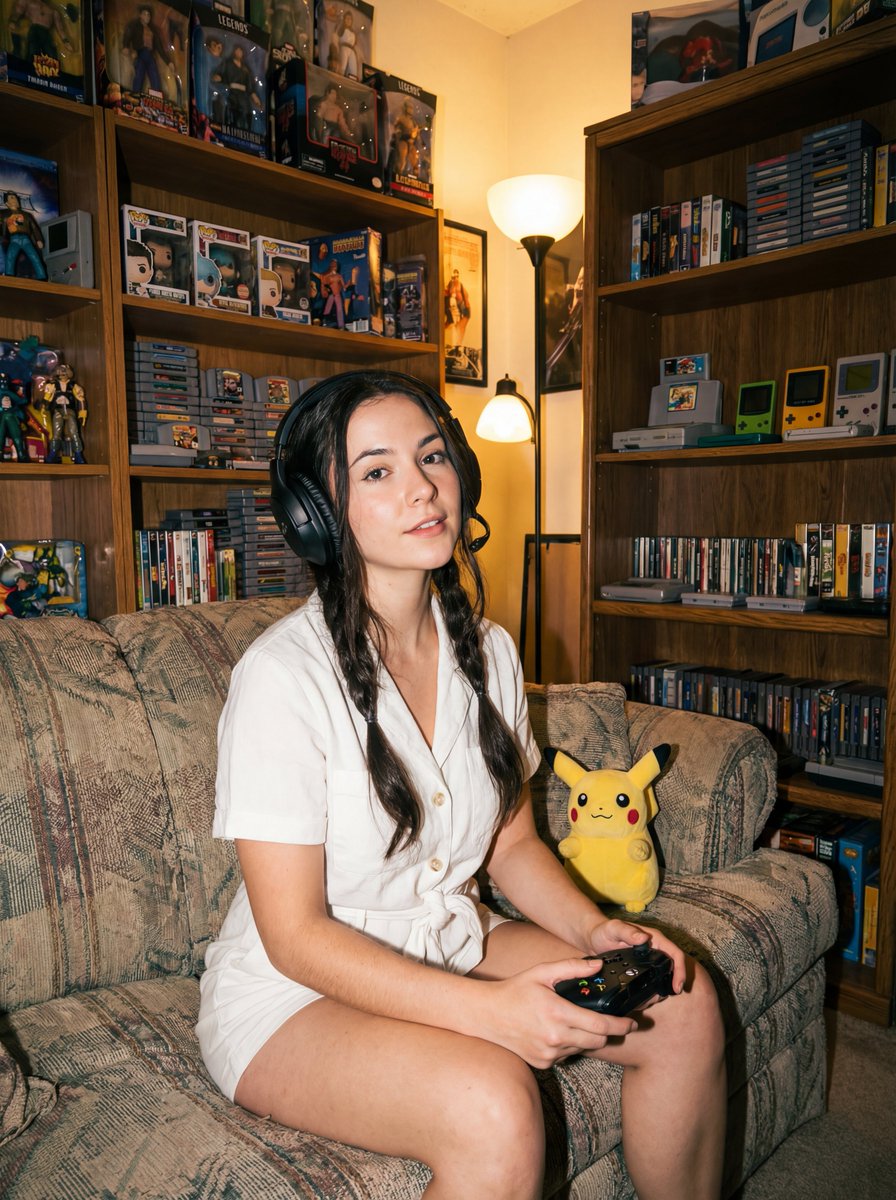
Direct flash gamer girl Nano Banana Pro JSON tag prompt
{ "label": "{argument name="label" default="direct-flash-gamer-girl"}", "tags": [ "{argument name="lighting style" default="direct flash"}", "{argument name="room theme" default="retro gamer room"}", "{argument name="era photography" default="1990s photography"}", "{argument name="image aesthetic" default="film aesthetic"}", "{argument name="subject type" default="gamer girl"}", "{argument name="background detail" default="collectibles shelf"}", "{argument name="camera angle" default="low angle"}", "{argument name="pose" default="sitting pose"}" ] }